Building a Melee and Mounted combat system
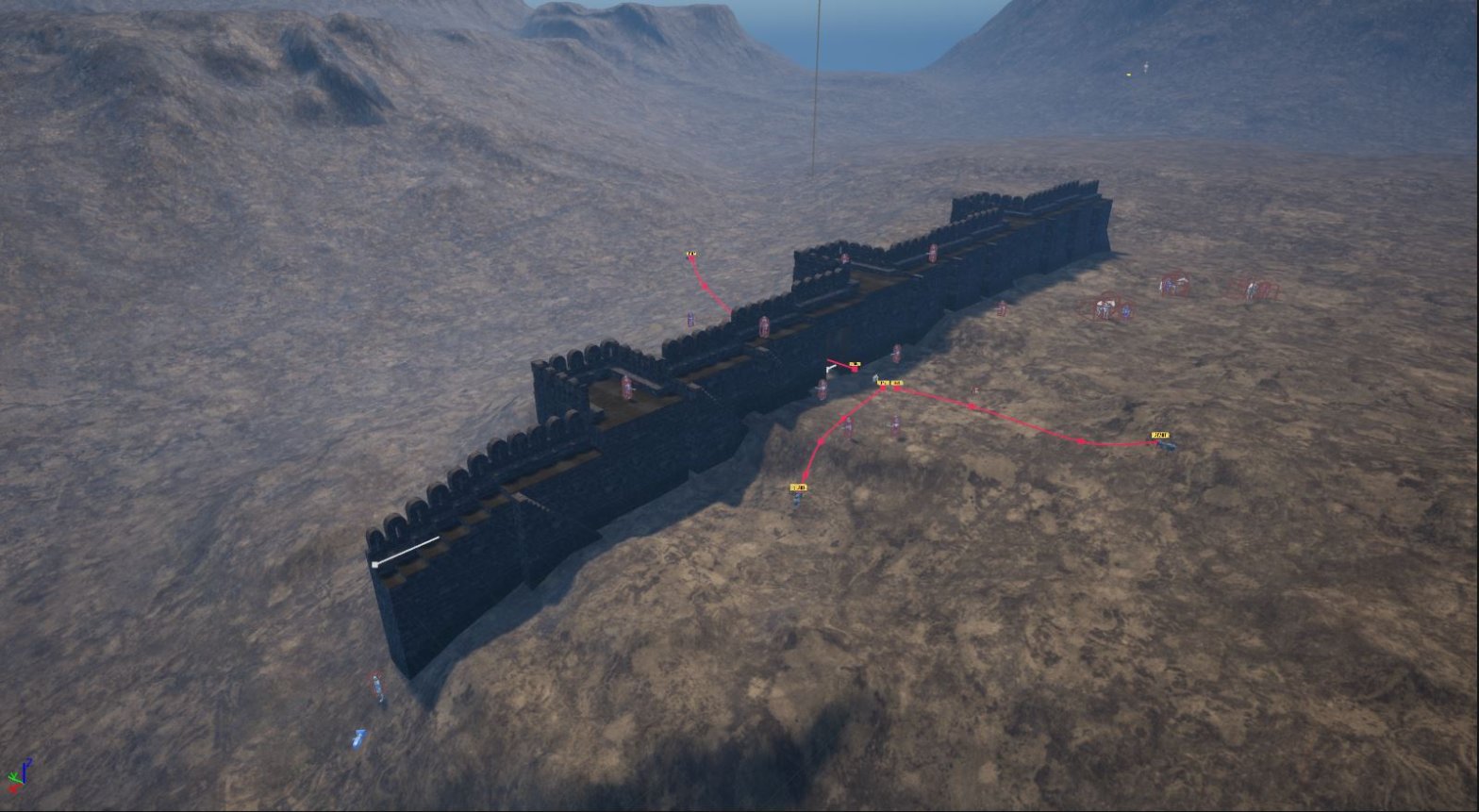
We’ve been putting together a combat system where two teams can face off — think Melee soldiers, Mounted archers, foot troops with swords, all fighting near fortifications or out in open terrain. It’s the kind of setup where you want Units making decisions on their own but still feeling coordinated, not just wandering around randomly.
Getting Units to pick targets, close distance, and actually swing at the Right moment turned out to be more involved than we expected. Especially when horses are involved — Mounted archers need to circle, keep distance, loose arrows, all while infantry are trying to close in.
Basic Melee logic
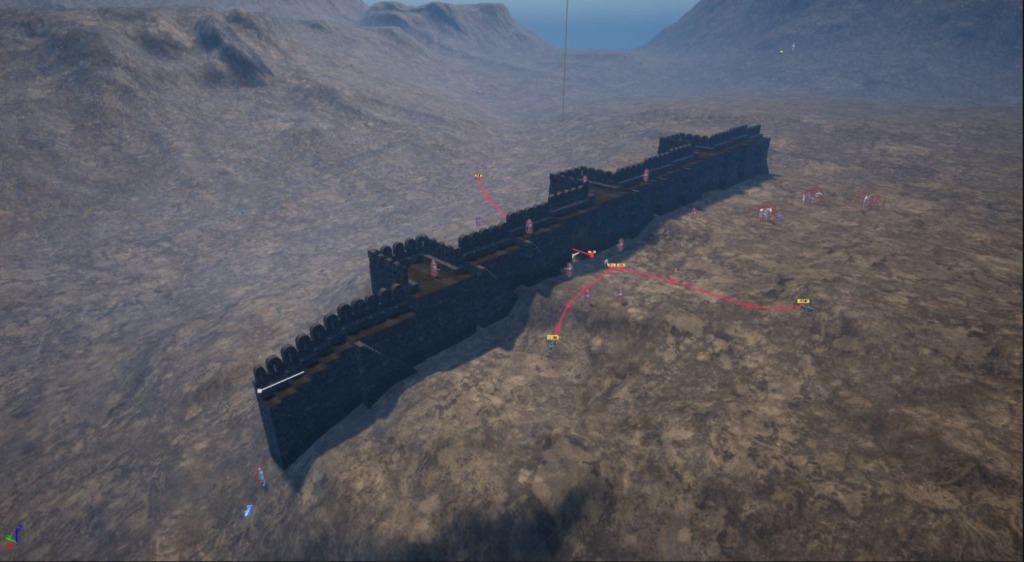
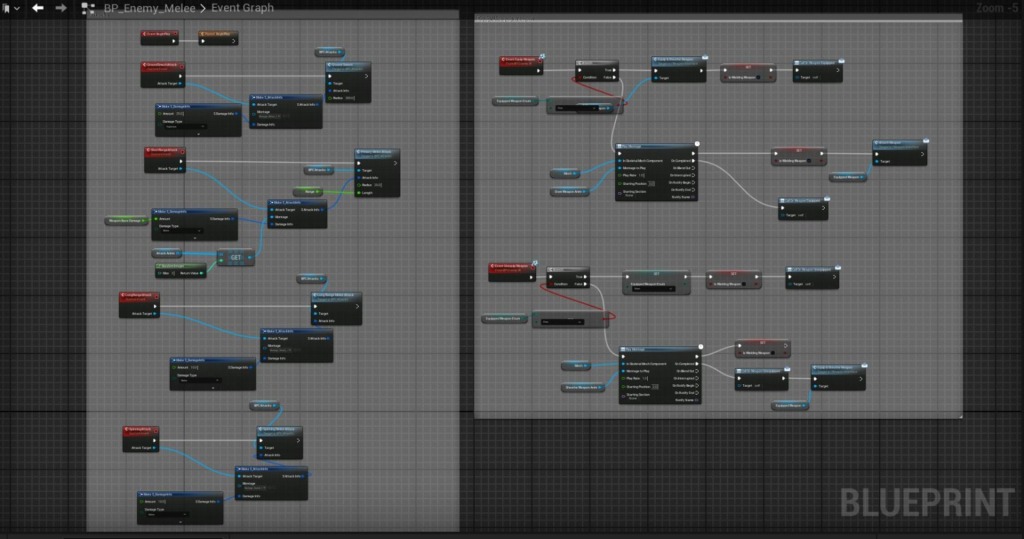
The Melee blueprint handles target selection and attack timing. Each unit checks for nearby enemies, picks the closest one that’s still alive, then moves into range and triggers an attack animation. Simple on paper, messy in practice.
We’re using a Basic state machine here — idle, moving to target, attacking, taking damage, dead. Keeps things predictable, though There’s still edge cases where Units get confused if their target dies mid-swing or if they’re too close to a wall.
Does it look chaotic or tactical when ten Units converge on the same spot?
Mounted archers
Mounted Units are a separate class because they need different movement behavior. Instead of charging straight in, they orbit at range, firing when they have line of sight. Technically this uses a spline path generated around the target, but we just call it circling.
The Archer blueprint checks distance constantly — if an enemy gets too close, it breaks orbit and moves away, then resumes firing once It’s safe again. Still lacks a lot of polish, but the core loop works.
Team coordination
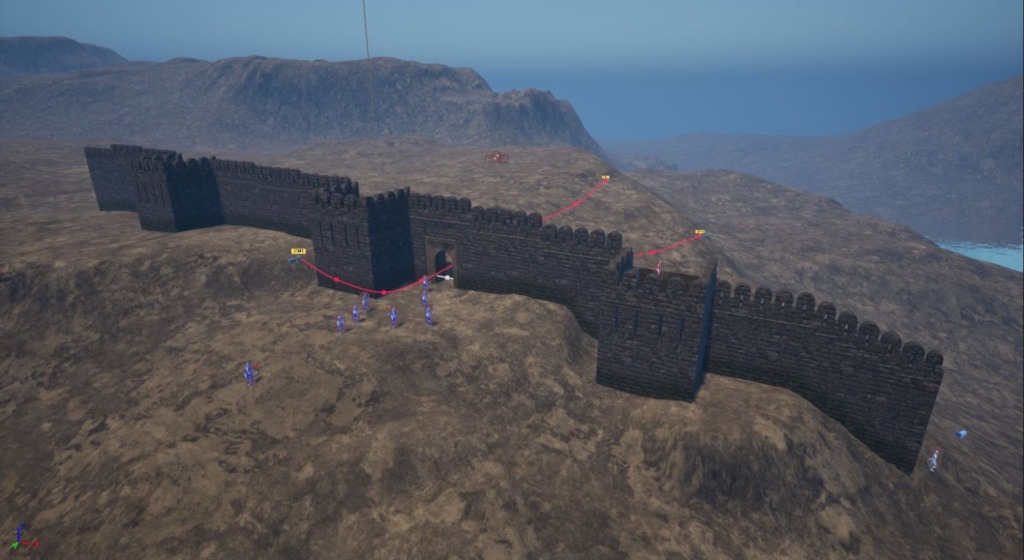
Each side has a Base blueprint that spawns Units and tracks which Team they’re on. Units query this to figure out who’s hostile. We’re not doing anything fancy like formations or group tactics yet — just making sure red Team fights blue Team and not each other.
The Base also handles reinforcements if we want to test longer battles, spawning new Units on a timer or when certain thresholds are hit. It’s functional but We’re not fully happy with how predictable it feels yet.
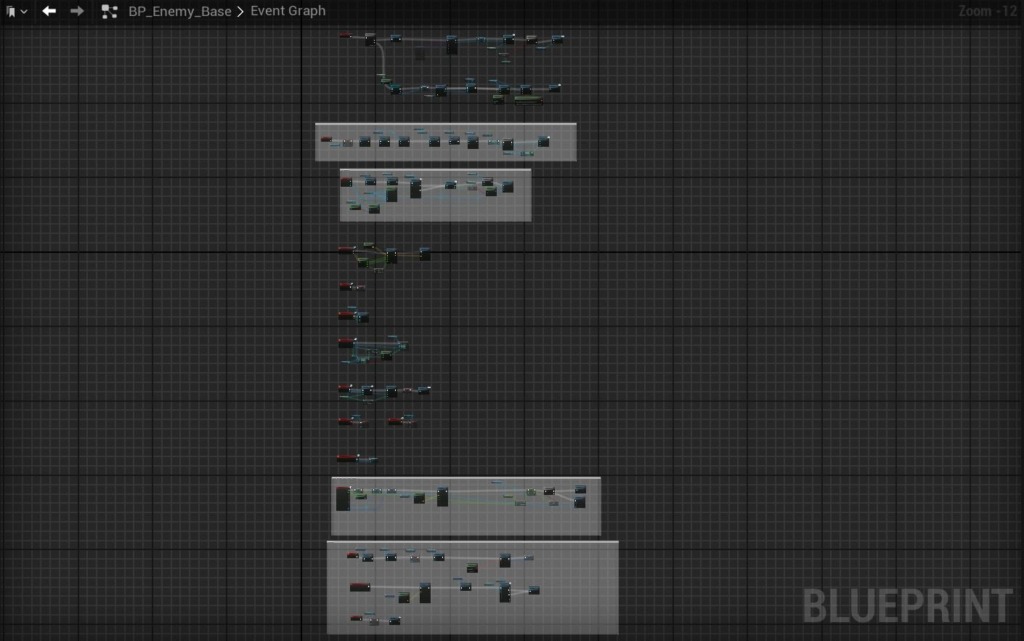
Right now combat works well enough to test scenarios — fortresses under siege, open field clashes, skirmishes near cliffs. The AI isn’t brilliant but It’s convincing enough from a distance, which is what matters when you’re watching a dozen Units go at it.
Mounting and dismounting
The Mounted Archer logic needed a way to handle Getting on and off the horse without it looking terrible. We ended up with a system that checks if the character is close enough to the Mount, triggers the Right animation, then smoothly transitions ownership of the control from the character to the horse actor. Technically this is all just a series of state changes, but we just call it the ‘hop on’ graph.
Once Mounted, the character’s movement is locked to the horse’s skeleton at a specific socket point — this Keeps them from sliding around. When they dismount, it reverses the process and spawns them back at ground level with their own movement restored.
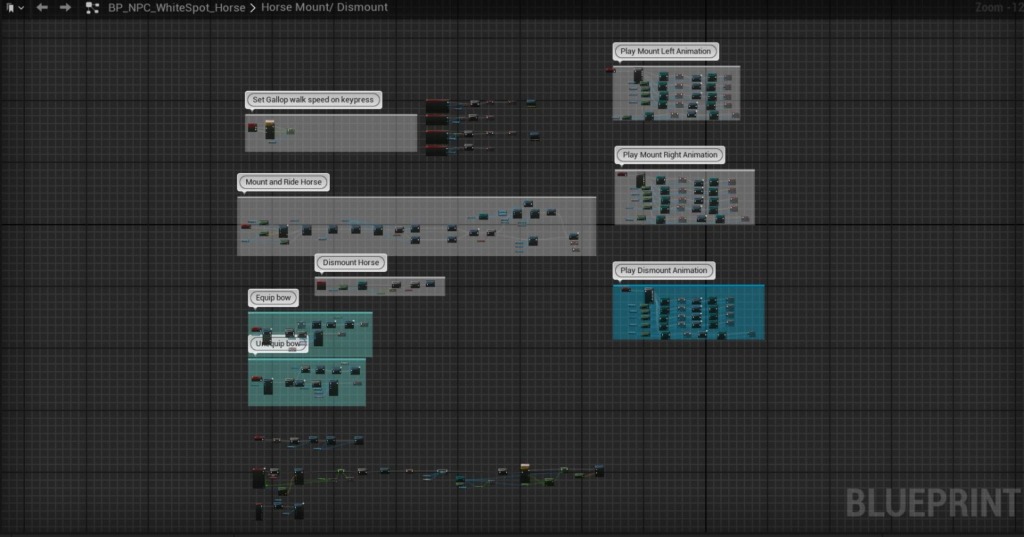
The ‘equip bow’ and ‘unequip bow’ chunks handle weapon swapping — archers need to have their bow visible while Mounted, then switch back to Melee when they dismount. It’s a small detail but makes the combat feel more intentional, like they’re actually preparing for different ranges.
Archer behavior states
The Archer blueprint is basically a big state machine wrapped in event graph logic. At begin play, it assigns Team color, creates the weapon actor, sets movement speeds — all the setup stuff. Then it branches into different behavior modes: possessed (when controlled by the Player or a test input), equip/unequip bow, point damage calculations, and the actual bow shot attack.
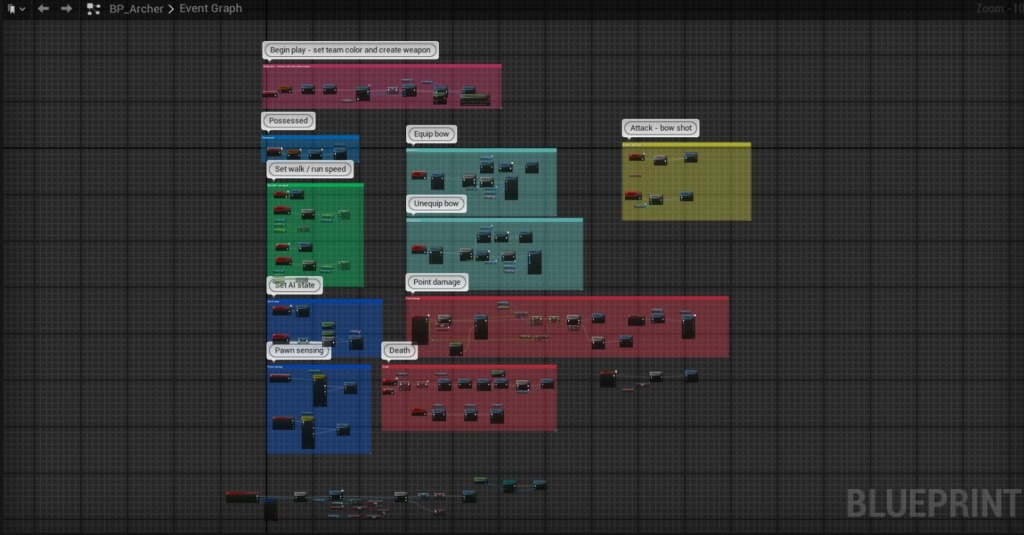
There’s a separate ‘pawn sensing’ block in there — this is how archers decide when to shoot. If they detect an enemy within a certain range, they transition into attack mode, fire, then go back to their default movement state. We’re still tweaking the ranges because Right now they’re a little too trigger-happy.
Should archers always fire on sight, or wait for a clear shot?
Master orchestration
The BP_Master actor is what ties everything together — it handles setup, spawns the Units, manages Team assignments, and runs the top-level movement/AI logic. There’s a ‘SetCharMode’ section that switches between different control schemes (player-controlled, Simple AI, more complex behavior trees, etc.), and a ‘SimpleMoveToLogic’ block that handles Basic pathfinding for the AI Units.
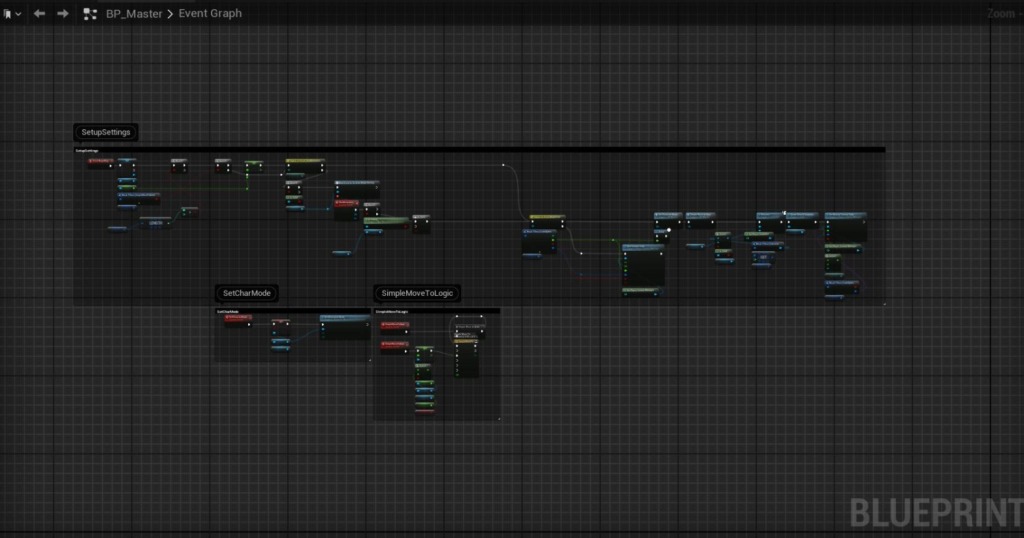
This is where we define how many Units per Team, their starting positions, which Team they’re on — all the battle parameters. It’s modular enough that we can swap in different unit types (archers, Melee, Mounted) without rewriting the whole thing.
Player character layer
The Player blueprint is lighter — mostly input handling and camera control — but it still has a bunch of event-driven functions scattered around. Some of these are for testing (like spawning Units on command), others are for handling possession switches when you take control of different Units mid-battle.
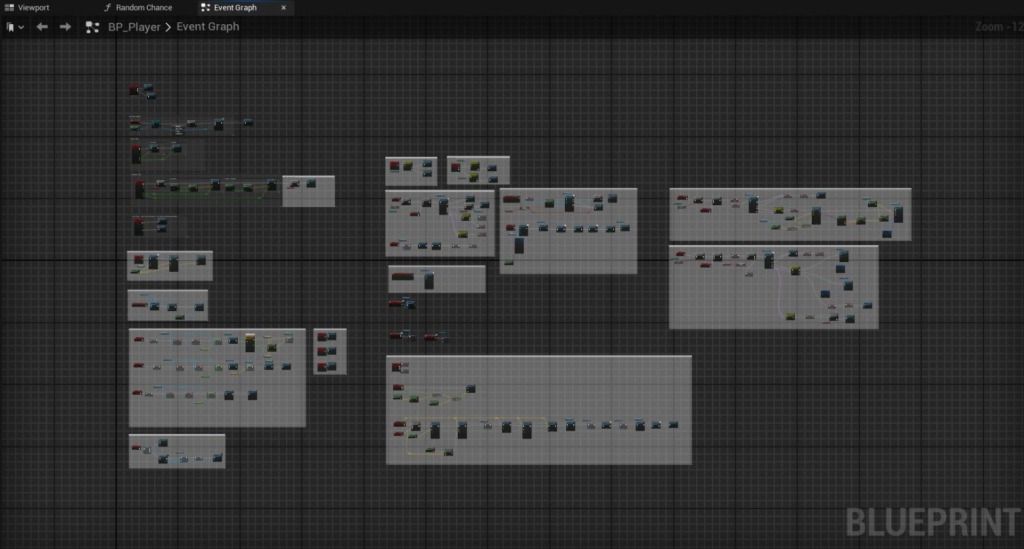
We wanted to be able to jump between controlling individual soldiers and just watching the AI fight, so the Player graph has hooks for that. It’s messy in places — some of those function clusters probably need to be consolidated — but it works for now.
The whole system still lacks polish, Especially around edge cases like what happens if a unit dies while you’re possessing it, or if the horse gets killed while someone’s Mounted. But the core loop of Mounting, shooting, dismounting, Melee is finally playable.